Search for "vendor management software" and most of what comes up is about procurement: suppliers, purchase orders and contracts for large companies. That's a different job. Event organizers need something else.
When you run a market, fair, festival or trade show, vendors are a big part of what you're offering. They're also your customers, since they pay you for space. Managing them means handling applications, approvals, booth assignments, fees, paperwork and a steady stream of messages, often for dozens or hundreds of small businesses at once.
Here's what vendor management software for events actually does, and how to tell when it's time to use it.
What event vendor management software handles
Applications
Vendors fill out an online form with the questions you care about: what they sell, photos of their products, how big their setup is, whether they need power. A good system lets you build a different form for each event, so your craft fair isn't asking about food permits.
Review and approval
Instead of reading applications in your inbox, you review them in one place, see each vendor's details and photos, and approve or decline with a click. The vendor is told automatically.
Booth assignment
Once a vendor is approved, they need a spot. Better tools connect vendors to a real layout, so you can see what's still open and avoid putting two coffee roasters side by side.
Payments
Booth fees, application fees, deposits, balances, and refunds when someone cancels. The software should know who has paid and who still owes without you checking bank statements.
Documents
Certificates of insurance, health permits, sales tax IDs and signed vendor agreements. You need to collect them, check them, and know which ones are missing.
Communication
Acceptance emails, payment reminders, load-in instructions and weather updates. Ideally you can message everyone, or one group, from the same place you manage them.
A public face
Shoppers want to know who's coming. A vendor list or searchable map on your website gives vendors free promotion and gives people a reason to show up.
Signs you've outgrown spreadsheets
Spreadsheets are a perfectly good place to start, and plenty of successful markets ran on one for years. At some point the cracks show. You might be there if:
- You've accepted a vendor who never paid, and didn't notice until event day.
- You're searching your email for insurance certificates the week of the event.
- Two people on your team have different versions of the vendor list.
- Returning vendors fill out the same long application every time.
- You copy and paste the same acceptance email over and over.
- Vendors call or text to ask where their booth is.
- You can't quickly answer "how much did we collect in booth fees last season?"
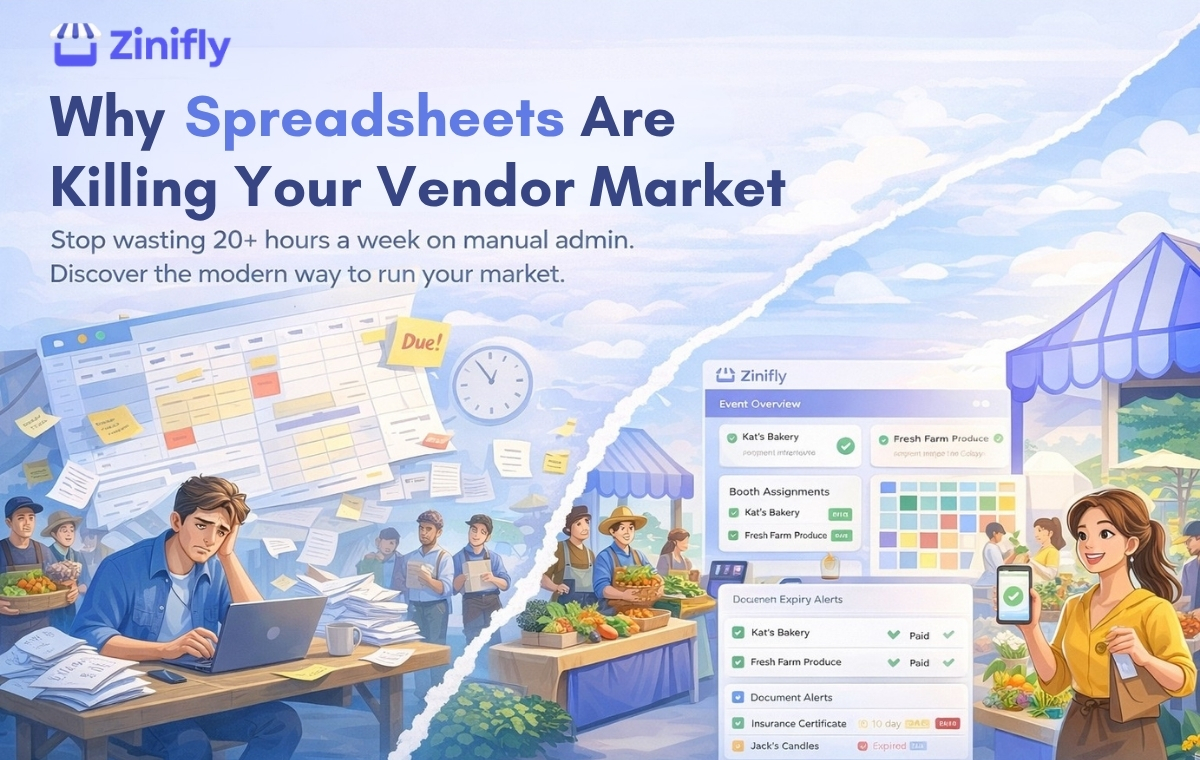
Two or three of those is normal. If most of them sound familiar, the spreadsheet is costing you more time than it saves. We wrote more about this in why spreadsheets hold vendor markets back.
What to look for
- Easy repeat bookings. Vendors should apply once and book future dates without starting over.
- Approval for each event. You should still decide who's in each event, since your mix changes with the season.
- Payment options that match how you work. Pay on approval, deposits and balances, or a card on file that's charged when you approve.
- Document deadlines. Ask for insurance after approval, set a due date, and see what's missing at a glance.
- A vendor portal. Vendors should be able to log in and check their status, booth, balance and documents without emailing you.
- Your branding. The application should live on your website and look like your event.
Common questions
Is this the same as procurement software?
No. Procurement software helps companies buy from suppliers. Event vendor management software helps organizers accept, place and collect payment from the businesses that sell at their events. If you run markets, fairs, festivals or trade shows, you want the second kind.
Does a small market need vendor management software?
Not always. A market with 15 regular vendors can do fine with a form and a spreadsheet. Software starts to pay off once you have more vendors than you can keep in your head, more than one event, or a team that needs to see the same information.
Will my vendors actually use it?
Vendors use it when it's quick and works on a phone. Keep the application short, send a clear confirmation when they finish, and tell them what happens next. If a few longtime vendors really want paper, keep a simple paper option for their first season while everyone else moves online.
How Zinifly handles vendor management
Zinifly was built around vendors from the start. Vendors register once to join your vendor network, then request the dates they want. You approve them for each event, assign booths on your venue map, and collect payment the way you prefer: manual payment, deposits and balances, or a saved card that's charged when you approve the booking.
Documents like insurance and permits come with deadlines, and every vendor gets their own portal and a public profile page. Vendors can also run an online store through your site (store sales carry a 2.5% Zinifly platform fee plus any commission you set).
See the details on our vendor management page, or start a free 30-day trial and set up your first event. No credit card needed.