Picking event management software is one of those decisions that feels easy during a demo and hard three weeks before your event. The calendar looks clean, the dashboard has nice charts, and the sales rep says everything is "fully customizable." Then you try to move forty vendors from your applicant list into booths and find out the software was really built for selling concert tickets.
The organizers who end up happy with their software usually asked better questions up front. These are the ten we'd ask.
1. Who was this software actually built for?
"Event management software" covers a lot of ground. Some tools are built for corporate meetings and webinars. Some are ticketing platforms with an events page added on. Others are built around vendors: applications, booth fees, insurance certificates and load-in times.
If most of your work involves vendors, exhibitors or sponsors, look for software that treats them as a core part of the system, not as a special kind of ticket. Ask the company who their typical customer is. If the answer is "everyone," keep asking.
2. Can vendors apply, pay and upload documents in one place?
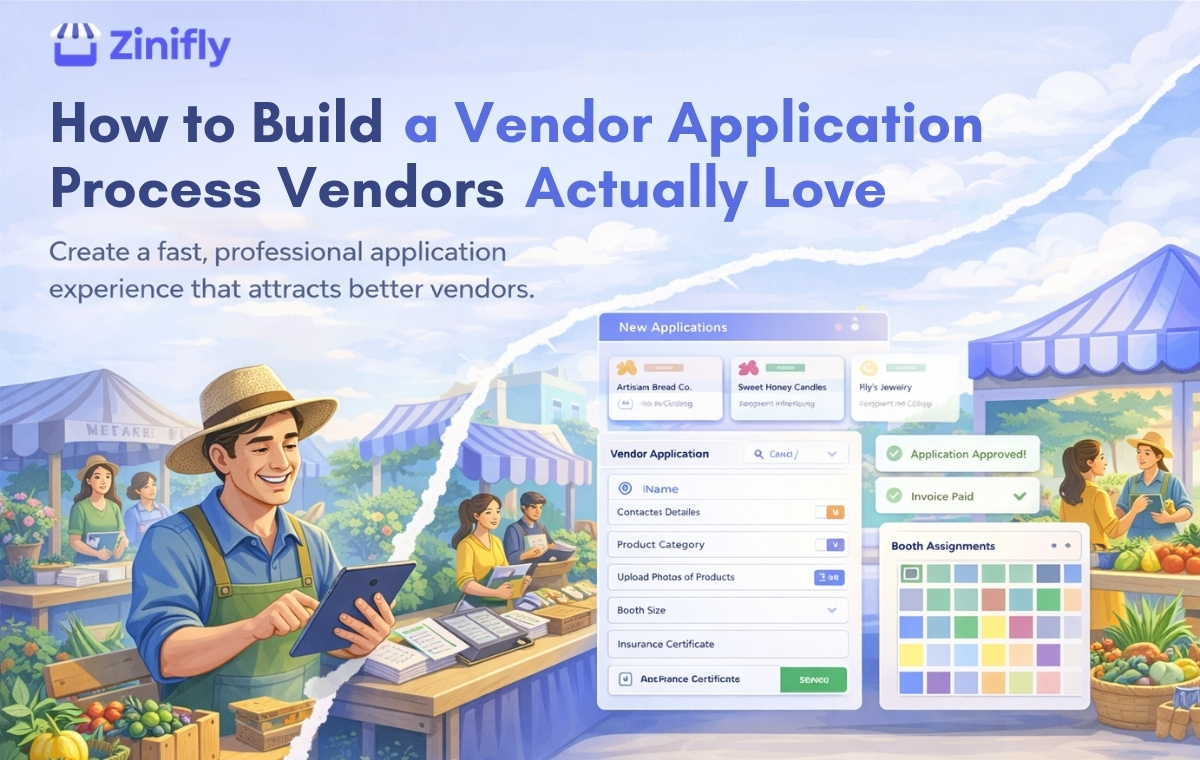
This is where organizers lose the most time. A typical do-it-yourself setup looks like this: a Google Form for applications, a spreadsheet to track who's approved, a payment link sent by email, and an inbox full of insurance PDFs. Each piece works fine on its own. The trouble is keeping them in sync.
Good software lets a vendor fill out an application, get approved, pay and upload their documents without you copying anything between tools. You should be able to open one vendor record and see the whole story.
3. Does it handle repeat vendors well?
If you run a weekly farmers market or a monthly pop-up, most of your vendors come back. Making them fill out the same 30-question application every Saturday is a quick way to annoy your best people.
Ask whether vendors can apply once and then book more dates. In Zinifly, vendors join your vendor network one time, then request the dates they want, and you approve them event by event. That one difference saves a lot of back and forth over a season.
4. How does it handle booth layouts?
Some platforms give you a list of spaces with prices. Others give you an actual map. The map matters more than people expect. Vendors want to know where they'll be. Shoppers want to find the honey stand they liked last month. And you want to stop promising the same corner spot to two people.
Questions worth asking: Can I draw my own layout? Can I price spaces differently by size or location? Can I reuse the layout for every event at that venue? Does the public get a map they can search?
5. Where does the money go, and what are all the fees?
Ask this one directly and get the answer in writing. There are usually three layers of cost: the subscription, the card processing fees charged by the payment processor, and sometimes a platform fee on each transaction. Some tools skip the subscription and charge per ticket or per registration instead.
Also ask whose account the money lands in. Booth fees going into your own Stripe or Square account is a very different setup from waiting on a platform to pay you out after the event.
For the record, here's how Zinifly works: booth and ticket payments go through your own payment account (Square, Stripe, PayPal, Authorize.Net or Zinifly Payments), card fees are charged by that processor, and sales in vendors' online stores carry a 2.5% Zinifly platform fee. It's all listed on our pricing page.
6. Can you take deposits and collect balances later?
A lot of markets and festivals take a deposit to hold a booth and collect the balance closer to the event. If your software only supports paying in full, you'll end up tracking balances in a spreadsheet again. Ask how deposits work, whether balance reminders go out on their own, and what happens to bookings that never get paid.
7. How do you reach vendors and attendees?
Plans change on event day. The rain plan kicks in, the parking lot moves, load-in starts an hour early. You need a fast way to reach everyone, or just the food vendors, or just the people in Building B.
Look for built-in email that can send from your own domain (so people recognize who it's from), automatic confirmations and reminders, and text messages for last-minute updates.
8. Will it look like your event, or like the software company?
Your vendors and visitors should see your name, your logo and your colors. Ask whether you can use your own domain, edit your public pages, and build event pages that don't look like everyone else's.
9. What happens on event day?
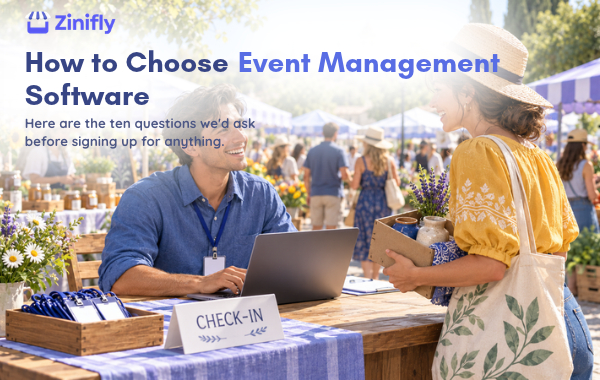
Plenty of software works fine in the office and falls apart at the gate. If you sell tickets, ask how check-in works. Can staff scan QR codes with their own phones? Does it catch a ticket that's already been scanned? If you rely on volunteers, can you assign them to events and let them see where they need to be?
10. Who helps you when something goes wrong?
Ask who answers support requests and when. A help center is fine for small questions. When your application form acts up two days before the deadline, you want a person. Ask about setup help too. Moving years of vendor data out of spreadsheets is a real project, and some companies will do it with you.
A quick way to test any platform
Don't judge software by the demo alone. Sign up for a trial and run one realistic event through it from start to finish:
- Create the event and set up your spaces and prices.
- Apply as a vendor using your own email address.
- Approve yourself, pay the booth fee and upload a document.
- Assign the booth and send a test announcement.
- Buy a ticket and scan it with your phone.
You'll learn more in one afternoon of doing that than in five sales calls. Pay close attention to the vendor side. If applying feels clunky to you at your desk, it'll feel worse to a vendor doing it on their phone between customers.
Where Zinifly fits
Zinifly is event management software built for events with vendors: farmers markets, craft fairs, festivals, trade shows and conferences. Vendor applications, booth maps, payments, documents, ticketing, volunteers and your own branded website all live in one place.
You can try it free for 30 days with no credit card, and we'll help you set up and move your data over at no charge. If you'd rather see it first, book a walkthrough and we'll show you around.